

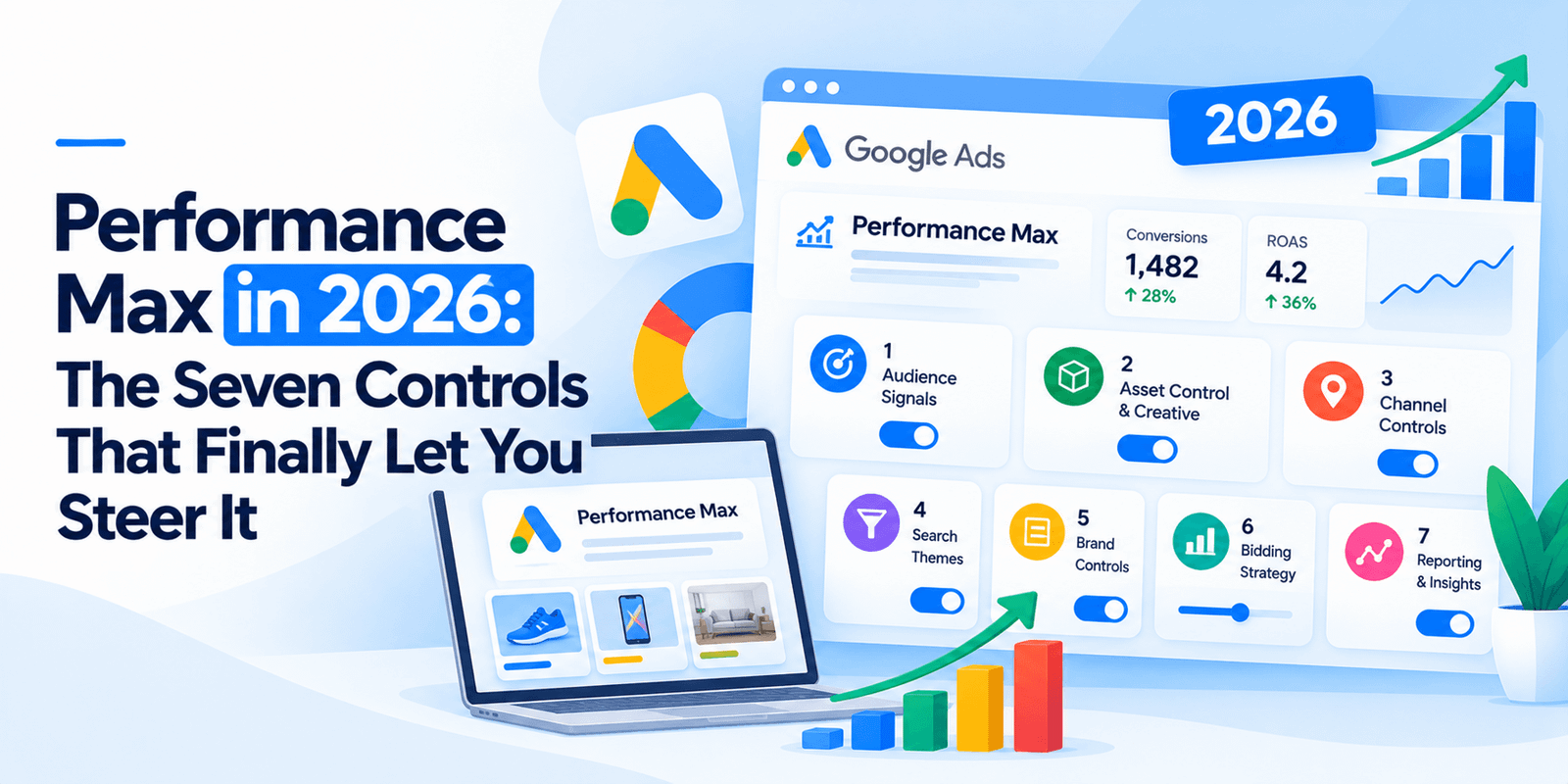
Performance Max is no longer a black box, and the most significant change arrived on 14 October 2026. Google announced channel prioritization, which lets you mark channels High or Low priority and cap what a Low-priority channel can spend. Set that cap to 0% and the channel stops serving. For the first time you can switch Search Partners off inside a PMax campaign. Here are the seven controls that now exist, and the three things you quietly lost in the same six weeks.
Control 1: Channel prioritization and budget caps
This is the big one, announced 14 October and rolling out progressively from 15 October over what Google describes as the coming months.
Every channel is set to either High or Low priority. High-priority channels get funded first, and whatever budget remains goes to Low. You can then cap a Low-priority channel at a maximum percentage of your average daily budget. A 0% allocation means Google will not spend there.
Three things to understand before you touch it.
Everything starts on High. Until you change something, nothing changes.
In Performance Max, the Google-owned channels are bundled. Search, YouTube, Maps, Gmail and Discover are treated as one unit. Search Partners and the Display Network can be capped separately. YouTube on its own cannot.
The caps are best-effort. Google’s own help documentation says it will “aim to” respect your allocation and that this is not a guarantee. So set it, then verify in your channel and placement reports that spend actually moved.
A practical note on where to start. If you have long suspected Search Partners was burning budget without producing anything, this is now testable rather than arguable: mark it Low priority, set the allocation to 0%, and compare four weeks either side.
Control 2: Asset group A/B testing
Reported on 2 October 2026 and rolling out, this lets you test creative changes inside an asset group rather than simply swapping assets and hoping.
You can run experiments on headlines, descriptions, images and videos. Useful comparisons include new creative concepts against incumbents, user-generated style content against polished brand work, and whether adding video actually does anything.
One restriction matters: once an experiment starts, you cannot edit the asset group while it runs. That is deliberate, to stop other changes contaminating the result.
Worth a caveat. This was spotted in the wild by a practitioner rather than announced by Google, so availability in your account may vary and the setup details are not documented yet.
Control 3: Negative keywords at campaign level
Campaign-level negative keyword lists now work in Performance Max. This was the single most requested control for years and it is the fastest way to stop obvious waste.
Review your search terms monthly and add the junk. It is unglamorous and it compounds.
Control 4: Brand exclusions and brand lists
Brand exclusion lists let you prevent your PMax campaign bidding on competitor brand terms, or on your own brand where a dedicated branded campaign already handles it more cheaply.
For most accounts, excluding your own brand from PMax and running it in a separate Search campaign gives you cleaner reporting and cheaper clicks.
Control 5: Search themes
Search themes let you tell Google what queries you believe matter, rather than waiting for it to discover them. They are inputs rather than keywords, and they do not restrict anything.
They are most useful on new campaigns with little conversion history, where the system has nothing to learn from yet.
Control 6: URL exclusions
Final URL expansion lets Google send traffic to whichever page on your site it considers most relevant. That is helpful on a large catalogue and dangerous on a service site.
URL exclusions stop it. At minimum, exclude your careers pages, your blog, your privacy policy and anything else that should never receive paid traffic.
Control 7: Channel-level reporting
Reporting on PMax has improved substantially through 2026. You can now see performance broken out by channel, which is what makes Control 1 usable: without knowing what Search Partners is actually doing, capping it is guesswork.
Check this before you change anything. Diagnose, then act.
What you lost at the same time
Here is the part most coverage skips. The same six weeks removed or defaulted three things, and two of them cost money.
Date | What changed | What to do |
|---|---|---|
Late Sept 2026 | Language targeting removed for Search, AI Max and PMax where ads run on Google Search. Google now matches on the ad’s language and searcher signals. | One language per ad group, with a matching landing page |
12 Oct 2026 | Automated promotions switched on by default for eligible Search and PMax campaigns with location assets and no promotion assets of their own | Opt-out is account-wide, not per campaign — under account-level automated assets |
17–27 Aug 2026 | Budget-limited campaigns using Target CPA or Target ROAS now bid to target rather than outperforming it. One analysis reported median CPC up 15.8% in budget-limited Target ROAS campaigns | Raise the budget or loosen the target on anything marked “Limited by budget” |
That last change is the one worth checking today. If a campaign of yours is budget-limited and your CPCs rose in late August, that is probably why.
Two more things arriving
Smart Bidding Exploration is now fully launched for Performance Max retail campaigns with a product feed, and for Shopping. It needs uncapped budgets to work properly, which is a meaningful condition.
Promotion mode is in beta on Search and PMax, letting you set a ROAS tolerance between 5% and 90% during a promotional period.
The honest summary
Performance Max in 2026 gives you considerably more control than it did a year ago, and almost all of it is subtractive. You can now stop it doing things. You still cannot make it do things.
That is the right way to think about the seven controls above. They are not steering in the sense of choosing a direction. They are brakes and guardrails, and used properly they stop a meaningful share of wasted spend.
The one thing that genuinely improves what PMax does rather than restricting where it goes is the quality of your conversion data. Everything else on this list is damage limitation.
Want to know what your PMax is actually spending on?
We will pull your channel-level data, check whether Search Partners and Display are earning their share, and tell you which of these seven controls would save you money.
No charge, and the findings are yours either way.
Frequently Asked Questions
Can you turn off Search Partners in Performance Max?
Yes, as of the channel prioritization update announced 14 October 2026. Mark Search Partners as a Low-priority channel and set its budget allocation to 0%, and Google will not spend there. Google describes allocations as best-effort rather than guaranteed, so verify in your channel and placement reports.
What is channel prioritization in Google Ads?
A setting that marks each channel High or Low priority. High-priority channels are funded first and the remaining budget goes to Low-priority channels, which can be capped at a maximum percentage of average daily budget. Every channel starts on High, so nothing changes until you adjust it.
Can you control YouTube spend in Performance Max?
No. In Performance Max the Google-owned channels — Search, YouTube, Maps, Gmail and Discover — are treated as a single bundle. Search Partners and the Display Network can be capped separately, but YouTube cannot be isolated or capped on its own.
Do negative keywords work in Performance Max?
Yes. Campaign-level negative keyword lists are supported, and they are the fastest way to stop obvious wasted spend. Review your search terms report monthly and add the irrelevant queries.
Why did my Google Ads CPCs increase in late August 2026?
Probably a Smart Bidding change rolled out between 17 and 27 August 2026. Campaigns marked “Limited by budget” using Target CPA or Target ROAS now bid to their target rather than outperforming it. One analysis reported median CPC rising 15.8% in budget-limited Target ROAS campaigns. Raising the budget or loosening the target is the fix.
Can you A/B test creative in Performance Max?
Yes, asset group A/B testing began rolling out in early October 2026. You can test headlines, descriptions, images and videos. Once an experiment starts you cannot edit the asset group until it finishes, which prevents other changes contaminating the result. Availability varies, as Google has not formally documented it.