

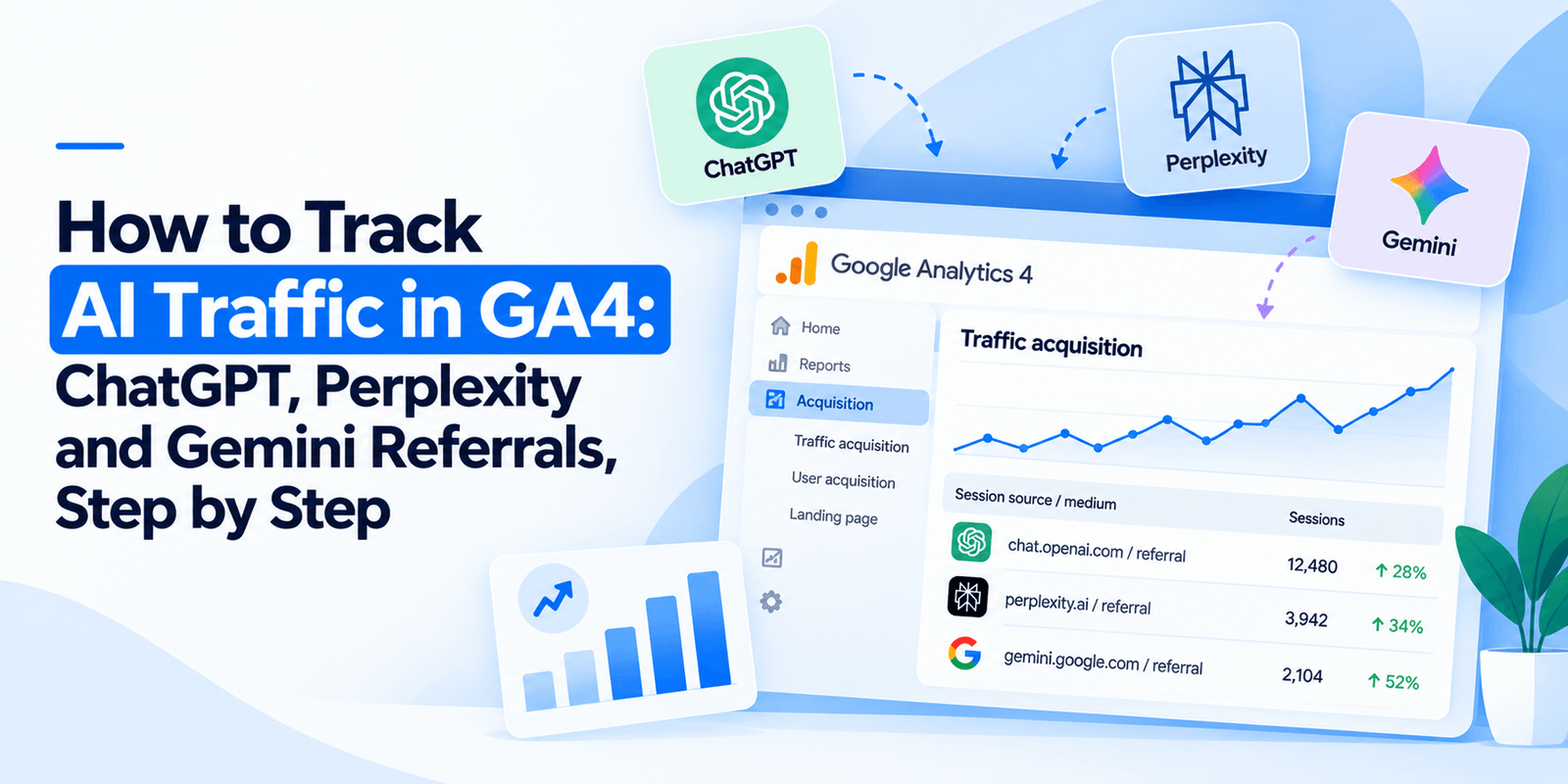
GA4 does not track AI traffic as its own channel. ChatGPT, Perplexity and Copilot referrals land in the generic Referral bucket, Gemini often lands in Organic Search, and a large share of all AI traffic is misfiled as Direct. Fixing it takes about fifteen minutes: create a custom channel group in Admin, match the AI hostnames with a single regex, and build one exploration report. Here is the exact process.
Why does GA4 get this wrong by default?
GA4 classifies traffic using a fixed list of known search engines and its own default channel rules. No AI platform is on that list.
So when somebody clicks a link inside a ChatGPT answer, GA4 sees a referral from chatgpt.com and files it under Referral, alongside links from forums and directories. Perplexity, Copilot and Claude get the same treatment. Gemini is messier still, because it sits on a google.com subdomain and frequently gets absorbed into Organic Search.
The result is that the channel growing fastest in your analytics is invisible, spread across three buckets that each hide it.
One thing works in your favour. OpenAI appends utm_source=chatgpt.com to links it cites, which means ChatGPT traffic arrives pre-labelled and appears as chatgpt.com / referral. No other major platform does this yet.
Step 1: Create the AI channel group
This is the core of the setup and it takes five minutes.
In GA4, go to Admin → Data display → Channel groups. Click Create new channel group and name it something obvious, such as “AI Search”.
Add a new channel called “AI Assistants”. Set the condition to Session source → matches regex, and paste this pattern:
.*chatgpt\.com.*|.*perplexity.*|.*gemini\.google\.com.*|.*copilot\.microsoft\.com.*|.*openai\.com.*|.*claude\.ai.*|.*deepseek\.com.*|.*you\.com.*|.*bard\.google\.com.*
Save the channel group, then drag the AI Assistants channel above the default channels in the list. Order matters: GA4 applies the first matching rule, so if Referral sits above your new channel, AI traffic keeps getting swallowed by it.
One important limitation. Custom channel groups are not retroactive in every GA4 report. Historical data will populate in some views and not others, so do not panic if last quarter looks empty. From today forward, the data is clean.
Step 2: Find what is already there
Before the channel group starts reporting, check what you have been receiving without knowing it.
Go to Reports → Acquisition → Traffic acquisition. Change the primary dimension to Session source. In the search box, type chatgpt. Repeat for perplexity, gemini, copilot and claude.
Most sites are surprised twice here: once by the fact that there is any AI traffic at all, and once by how small it is. Both reactions are correct, and the benchmark section below explains why.
Step 3: Build one exploration report
The channel group tells you how much. An exploration tells you what they were looking for, which is the part that changes decisions.
Go to Explore and start a Free form report. Add Session source and Landing page as rows. Add Sessions, Engaged sessions and Key events as values. Apply a filter where Session source matches the same regex from Step 1.
What you want from this report is the landing page list. It tells you which of your pages AI assistants are actually citing, and that is the single most actionable output of the whole exercise. Those pages are working. Study what they have in common and apply it to the ones that are not.
Step 4: Add the second signal
This is the step almost everyone skips, and it matters more than the first three.
A large share of AI influence never shows up as AI traffic at all. Somebody asks ChatGPT for a recommendation, sees your name, and then searches for your brand in Google or types your URL directly. GA4 records that as branded organic or direct. The AI assistant that caused it gets no credit.
So track branded search volume alongside AI referrals. In Search Console, filter queries containing your brand name and watch the impression trend month over month. If branded impressions are rising while you have no new advertising running, AI assistants are very likely recommending you.
Two signals together tell a story that neither tells alone.
What should your numbers look like?
Calibration matters, because the raw figures look disappointing in isolation.
Across 100 e-commerce brands tracked over 21 months, the median brand received 50 to 200 ChatGPT sessions per month, with top performers above 2,000. Aggregate conversion rate was 0.9%, though it ranged wildly by category. The dataset showed 19x year-on-year growth, from 8 sessions a month to 38,000 across the cohort.
So if you turn this on and find 80 sessions from ChatGPT last month, you are normal. The number matters far less than its direction.
Four reasons your number is too low
Whatever GA4 tells you, the real figure is higher. Estimates suggest only 20% to 60% of actual AI traffic is captured. Four things cause the gap.
Cause | Where the traffic ends up | Fixable? |
|---|---|---|
Claude strips referrer headers almost entirely | Direct / (none) | No |
Mobile apps and embedded browsers pass no referrer | Direct / (none) | No |
Ad blockers and privacy tools remove referrer data | Direct / (none) | No |
Gemini behaves differently by interface | Organic Search, or Direct | Partly — the regex catches the referral cases |
None of this is fixable from your end. Treat AI referral numbers as a trend line rather than a census, and do not build a business case on the absolute figure.
The dark funnel, and what to do about it
The gap above is a measurement problem. The dark funnel is a bigger one.
When an AI assistant recommends you and the person never clicks, no analytics tool on earth will record it. They saw your name, formed an impression, and arrived later by another route or not at all.
There is no clean fix. What works is triangulation across three signals:
Signal | Where | What it tells you |
|---|---|---|
AI referral sessions | GA4 custom channel group | Who clicked through — a floor, not a total |
Branded search impressions | Search Console, brand filter | Whether awareness is rising without paid support |
Citation rate on 20 buyer prompts | Manual monthly prompt log | Whether assistants actually name you |
When all three move together, you have your answer. When only the prompt log moves, you are being recommended but not clicked — which is still worth something, and is exactly what branded search will pick up a month later.
Get the setup files
We have put the regex, the channel group configuration and a prompt-log template into one file you can copy. It takes the fifteen minutes above down to about five.
Frequently Asked Questions
Why doesn’t GA4 show ChatGPT traffic separately?
Because no AI platform appears on GA4’s built-in list of search engines. ChatGPT, Perplexity and Copilot referrals are filed under the generic Referral channel, Gemini often lands in Organic Search because it sits on a google.com subdomain, and traffic with stripped referrers falls into Direct. A custom channel group fixes the first two.
What does utm_source=chatgpt.com mean in my analytics?
It means somebody clicked a link that ChatGPT cited in an answer. OpenAI automatically appends this parameter to outbound links in its responses, so the visit appears in GA4 as chatgpt.com / referral. It is genuine AI referral traffic, not spam, and it is the easiest AI channel to track because no other major platform labels itself this way.
How do I create an AI channel group in GA4?
Go to Admin, then Data display, then Channel groups. Create a new group, add a channel named “AI Assistants”, and set the condition to Session source matches regex, using a pattern covering chatgpt.com, perplexity, gemini.google.com, copilot.microsoft.com, openai.com and claude.ai. Move the channel above the default channels so it matches first.
How much AI traffic should I expect?
Across 100 e-commerce brands tracked over 21 months, the median brand received 50 to 200 ChatGPT sessions per month, with top performers above 2,000 and an aggregate conversion rate of 0.9%. Volumes are small but growing roughly 19x year on year. Watch the trend, not the absolute number.
Why is my AI traffic showing as direct?
Because the referrer header was stripped before it reached your analytics. Claude removes referrers almost entirely, mobile apps and embedded browsers frequently pass none, and ad blockers remove them too. Estimates suggest GA4 captures only 20% to 60% of real AI traffic, and none of that gap is fixable from your side.
Can I track AI recommendations that never produce a click?
Not directly — that is the dark funnel. Triangulate instead: watch AI referral sessions in GA4, branded search impressions in Search Console, and a monthly log recording whether AI assistants name you for the twenty questions your buyers actually ask. Rising branded impressions with no new advertising usually means AI assistants are recommending you.