

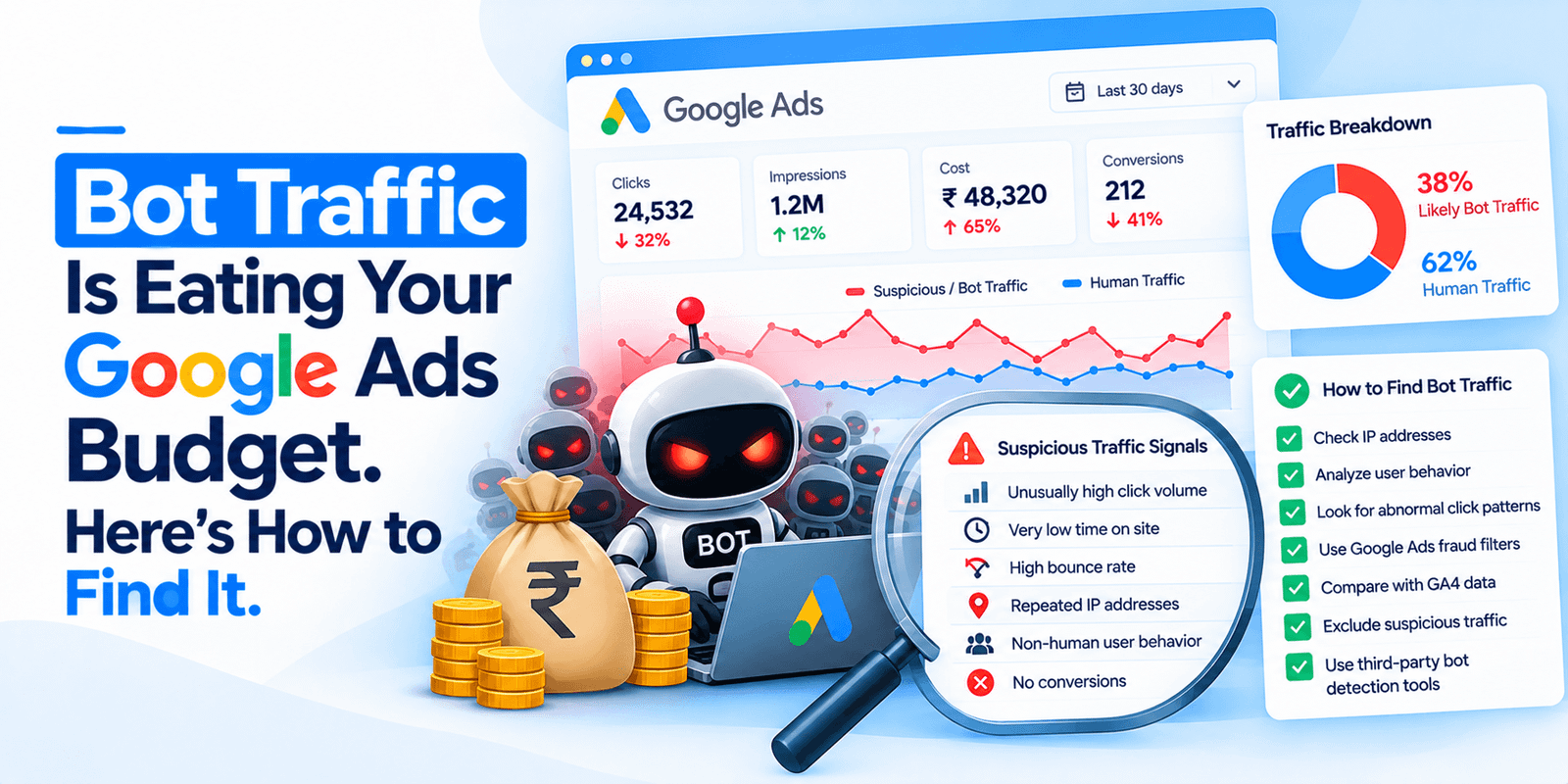
If a click-fraud tool has shown you a dashboard claiming thousands of dollars of bot traffic in your Google Ads account, here is the first thing to know: Google says much of what those tools flag was already filtered and never appeared on your bill. That is not our opinion. It is in Google’s own documentation.
There is a real problem here, but it is not the one being sold. This post covers what Google actually does about bot traffic, the three places in your own account where you can verify it in about ten minutes, and the two gaps Google’s filtering genuinely does not close. Current as of October 2026.
What does Google actually do about bot traffic?
Google defines invalid traffic as traffic that doesn’t represent genuine interest in your business. Its examples include non-human traffic from bots and automated software, accidental clicks from bad ad placement, fraudulent placements like clickjacking and ad stacking, and intentional clicks from real people with no interest in your ad, including competitors clicking to burn your budget.
The mechanism matters more than the definition. Google’s documentation states that if it identifies an interaction as invalid before the end of the billing cycle, you don’t pay for it, and that it filters it out automatically before you receive your invoice. For traffic caught later, Google says it automatically issues an invalid activity credit in the next billing cycle, when appropriate and possible.
When Google detects it | What happens | What you see |
|---|---|---|
Before your invoice is finalised | Filtered. You are never charged. Google says “no refunds are necessary” | The “Invalid clicks” column |
After you have been billed | Credited as a billing adjustment, “when appropriate and possible” | Billing adjustments, and the Invalid Activity Credit Report |
Google also says its invalid traffic defenses are accredited by the Media Rating Council for specific services and metrics, and that an independent third party audits the processes annually. That is a meaningful detail, because it is the difference between a company asserting it handles fraud and a company submitting to outside audit.
Why does your click-fraud dashboard show a scary number?
This is the sentence from Google’s documentation that the click-fraud industry would prefer you did not read:
Third-party tools might flag traffic as invalid, such as duplicate IP addresses or bot activity, that Google already filtered and excluded from your bill.
That is the whole explanation for most alarming dashboards. A third-party tool watching your site sees a visit it judges non-human and counts it as fraud you paid for. Google filtered that same click before invoicing. The tool has no way of knowing that, because Google does not share click-level detail with anyone. Its documentation says plainly that detection methods and specific invalid traffic sources remain confidential, and that it cannot provide a click-by-click comparison with third-party reports.
Two consequences. A vendor’s fraud figure is not a measure of money you lost, and nobody outside Google can reconcile it. If a tool tells you it saved you a specific dollar amount, ask how it distinguished clicks you were billed for from clicks you were not. There is no good answer available.
One more thing worth knowing before you benchmark yourself against anything: Google states there is no industry standard for a normal invalid traffic rate. Any vendor quoting you an industry average invalid rate is quoting their own number.
Where can you check this in your own account?
Before buying anything, spend ten minutes here. All three are free and already in your account.
- The invalid clicks column. In the Campaigns view, open Columns, search for “Invalid clicks”, and apply it. This shows the volume Google’s automated protections filtered out. It is the fastest sanity check on whether your account is seeing unusual bot activity at all.
- Billing adjustments. Go to Billing, then Summary, and open the Adjustments dropdown on the month card. Credits for invalid activity appear here, labelled “Invalid activity”. This is money Google gave back after billing.
- The Invalid Activity Credit Report. This is the one almost nobody knows about and it is the most useful. Go to Report Editor under the Campaigns menu, open the Template gallery, and select “Invalid Activity Credit Report: Search & PMax”.
That report is worth describing properly, because of what it lets you see.
Column | What it tells you |
|---|---|
Credited clicks | Clicks you received a credit for after the billing period ended |
Credited amount | The money credited back for invalid activity found post-billing |
Adjusted cost | Your invoiced campaign cost minus the credit |
Adjusted avg. CPC | Your real cost per click. Google notes this may be HIGHER than originally reported |
Adjusted CTR | Your real CTR. May be LOWER than originally reported |
Adjusted conv. rate | Conversion rate excluding invalid clicks and interactions |
Adjusted cost / conv. | Your real cost per conversion, the number most worth having |
In other words, this report shows you your real cost per conversion after invalid activity was stripped out. Your normal campaign reporting does not do this, because Google states that credits for past invalid activity won’t retroactively adjust your campaign data. Note the report covers Search and Performance Max campaigns only.
What does Google’s filtering not cover?
Here is where there is a genuine problem, and it is not the one in the dashboards.
Your reported performance stays wrong. Because campaign metrics are not retroactively adjusted, every optimisation decision you make from the standard reporting is based on numbers that include invalid activity you were later credited for. If you are pausing keywords or shifting budget on cost-per-conversion figures, and a credit landed afterwards, you optimised against the wrong number. This is the strongest practical argument for opening that credit report, and it costs nothing.
Invalid leads are your problem, not Google’s. This is the one that actually costs a service business real money, and Google is candid about it. Its documentation says Google systems cannot track or control visitor actions after they click your ad, and that its automated protections cannot prevent all invalid leads.
For a clinic, a law firm or a home services company, this is the expensive failure. A bot click that Google filtered cost you nothing. A junk form submission costs your front desk a callback, your sales team a follow-up, and your CRM its data quality. Google’s suggested remedies are all on your side of the line: reCAPTCHA on forms, server-side validation, and double opt-in for leads.
If your complaint is really about lead quality rather than click costs, no click-fraud tool fixes it. Form hardening does.
What about AI agents clicking ads?
A fair question in 2026, and the honest answer is that nobody credible has measured it.
Google’s invalid traffic documentation does not mention AI agents, agentic browsers, crawlers or data-center traffic anywhere. It addresses bots and automated software generally, and that is all. So Google has taken no public position on whether an AI browsing agent completing a task on your behalf counts as invalid.
Meanwhile, essentially everyone publishing on the topic sells click-fraud protection. We looked. The search results for AI agents and ad clicks are almost entirely vendor blogs, and none of them present original measurement with a disclosed method.
That does not mean there is nothing happening. It means that as of October 2026 there is no credible public data on it, and the people telling you it is urgent are the people selling the remedy. If an AI agent is browsing your site, you will see it in your analytics before you see it in an ad bill. Watch for it there.
When should you escalate to Google?
There is a real process and it is underused. Google accepts invalid traffic investigation requests for activity in the last 60 days, through its Click Quality Form.
Worth doing when you see something specific rather than a vague feeling: a sharp spike in clicks without a matching rise in conversions, clicks from locations you are not targeting, or a sudden short-term cost increase on particular keywords.
Google says to gather your ten-digit customer ID, the date range, the campaign and ad group names, the suspicious keywords, and if you have them, server logs with IP addresses, device information and GCLIDs. For lead quality complaints, a spreadsheet of suspect leads with their GCLIDs. Investigations take several business days and you get findings by email.
Be clear about the limits. Google states an investigation will not confirm whether specific clicks were marked valid or invalid. You will be told whether additional invalid traffic was found and credited, not shown the working.
So should you buy a click-fraud tool?
For most small advertisers, probably not as the first move. Check the three free reports above. If your invalid clicks volume is unremarkable and your credit report shows little, you are paying a monthly fee to be shown traffic you were never billed for.
The honest cases for buying one: you are spending heavily on display or on the Search Partner network, you have a specific competitor problem you can document, or your real issue is IP-level blocking of junk form fills, in which case you want form hardening and possibly a lead-validation tool rather than a click-fraud product.
And if the numbers in your account genuinely do look wrong, the free escalation path to Google exists and costs nothing.
Frequently asked questions
Does Google charge you for bot clicks?
Not for the ones it catches in time. Google’s documentation says invalid traffic detected before the end of the billing cycle is filtered automatically before your invoice, so no refund is needed. Traffic found after billing is credited as a billing adjustment “when appropriate and possible.”
How do I see invalid clicks in Google Ads?
Three places. Add the “Invalid clicks” column in the Campaigns view. Check Billing, then Summary, then the Adjustments dropdown for credits labelled “Invalid activity.” And open Report Editor, then the Template gallery, and select the Invalid Activity Credit Report for Search and Performance Max.
Do I need click fraud protection software for Google Ads?
Usually not as a first step. Google states that third-party tools often flag traffic that Google already filtered and excluded from your bill, so a vendor’s fraud figure is not money you lost. Check your own invalid clicks volume and credit report first, which costs nothing.
What is the normal rate of invalid traffic in Google Ads?
There isn’t one. Google’s documentation states explicitly that there is no industry standard for a normal invalid traffic rate. Any vendor quoting you an industry average is quoting their own measurement, which cannot be reconciled against Google’s filtering.
Why do I get junk leads if invalid traffic is low?
Because they are different problems. Google says its systems cannot track or control what a visitor does after clicking your ad, and cannot prevent all invalid leads. Junk form fills are addressed with reCAPTCHA, server-side validation and double opt-in — not with click-fraud tooling.
Not sure what your account is actually paying for?
A free ad account audit includes exactly this check: your invalid clicks volume, what Google has credited you, and your real cost per conversion from the credit report rather than the headline figure. Plus the rest of the account.
Get a free ad account audit. If the bot problem in your account is nothing, we will tell you that and move on to what is actually costing you money.