

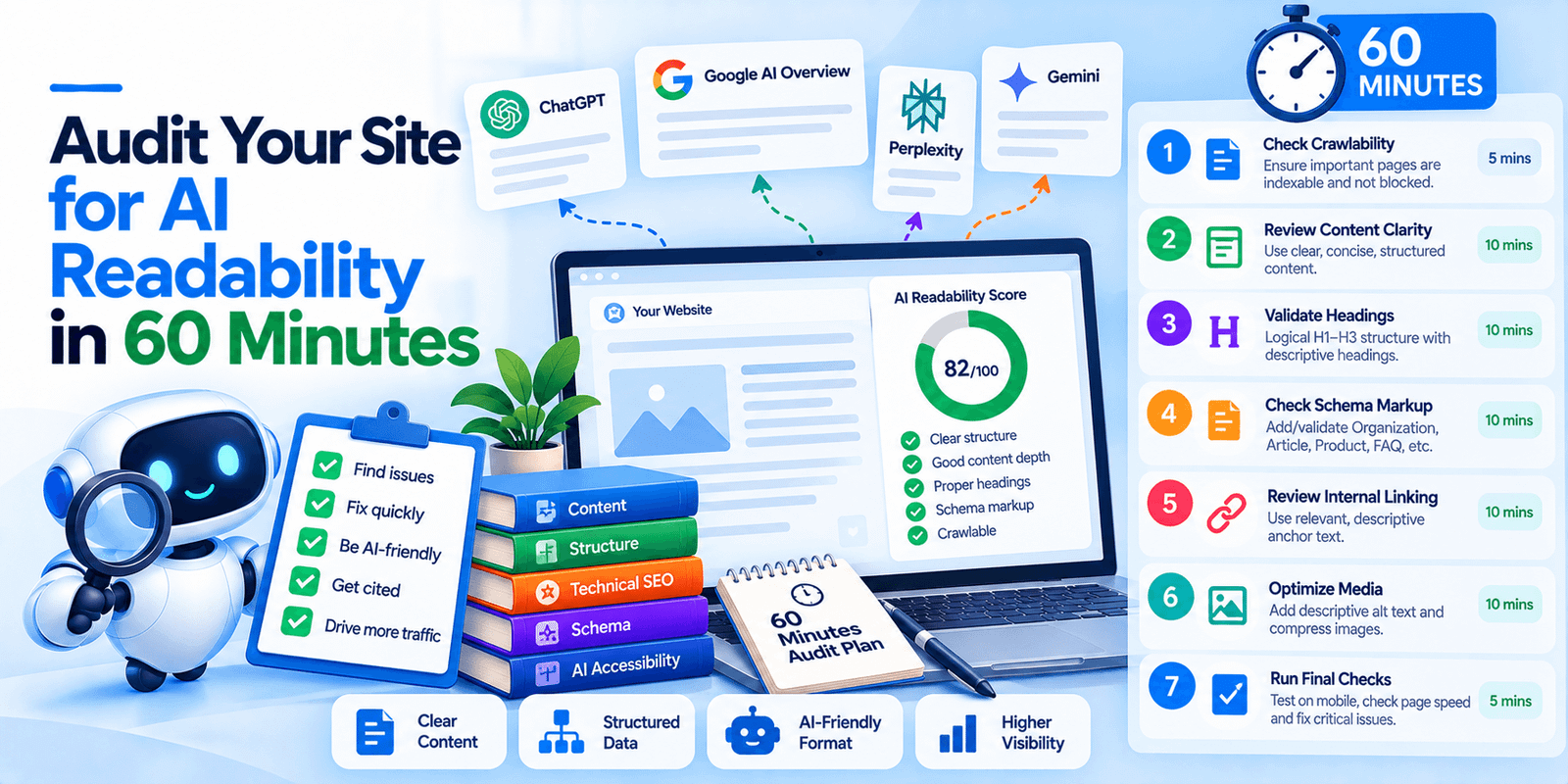
Google published a guide to optimizing for its generative AI features, last updated in July 2026, and most of the AI-SEO industry appears not to have read it. Its position is blunt: optimizing for generative AI search is optimizing for the search experience, and thus still SEO. It then lists seven things you can ignore, several of which are being actively sold to you.
This is a sixty-minute audit built on that guide, plus the independent evidence on the AI platforms Google’s guide does not cover. Current as of October 2026.
First, what does Google say you can skip?
Start here, because it saves the most time. These are Google’s own words on things that do not help its AI features.
Thing you can skip | Google’s position |
|---|---|
llms.txt and similar files | Not needed to appear in Google Search including its generative AI capabilities, because Google Search does not use them. Maintaining one is fine for other systems and will “neither harm nor help” Google visibility. |
Chunking content into small pieces | No requirement to break content up for AI. “There’s no ideal page length.” |
Writing in a special way for AI | No need to phrase things particularly or capture every long-tail variation. |
Special schema markup for AI | “Structured data isn’t required for generative AI search, and there’s no special schema.org markup you need to add.” Still worth using for rich results as normal SEO. |
Chasing inauthentic mentions | “Seeking inauthentic ‘mentions’ across the web isn’t as helpful as it might seem.” |
A page per query variant | Violates Google’s scaled content abuse policy. A high quantity of pages “doesn’t make a website higher quality or more relevant.” |
Tools claiming internal Google access | “No third-party tool has access to our internal ranking or AI systems.” |
One more thing worth repeating because it is uncomfortable for our industry: Google explicitly suggests reviewing its guidance on evaluating third-party SEO advice before buying AEO or GEO services. We sell AI search work, and we would rather tell you that than have you find it yourself.
Minutes 0 to 15: the two things that are genuinely AI-specific
Almost everything in Google’s guide is ordinary SEO. Two items are not, and they are the highest-value fifteen minutes in this audit because hardly anyone has done them.
Check your Search Console inclusion. Google states that beyond the normal technical requirements for Search, a site must be included in Search generative AI features in Search Console to be eligible for display in generative AI features. If you have never looked at this setting, look now. Eligibility is not automatic in the way indexing is.
Open the Generative AI performance report in Search Console. Google now provides a report showing how your content appears in its generative AI features on Search and Discover. This is first-party data on your AI visibility, free, and most businesses do not know it exists. It is considerably better than any third-party estimate.
If you do nothing else from this article, do those two.
Minutes 15 to 30: crawlability, and what Google’s guide does not cover
Google’s guide says to ensure your content is crawlable, because its generative AI models use publicly accessible, crawlable content. Fine, and standard.
But Google’s guide only governs Google. It says nothing about ChatGPT, Claude or Perplexity, and there the evidence points somewhere Google’s advice does not.
Vercel and Merj analysed crawler behaviour and reported that none of the major AI crawlers render JavaScript — including GPTBot, OAI-SearchBot, ChatGPT-User, ClaudeBot, PerplexityBot, Meta-ExternalAgent and Bytespider. Gemini and AppleBot are the exceptions, both rendering through browser infrastructure. Their data showed ChatGPT and Claude crawlers fetching JavaScript files without executing them.
That study was published in December 2024, so it is twenty-two months old and nobody has published an equivalent update. Treat it as the best available evidence rather than current fact. But the practical check takes ten minutes.
View source on your most important page, with JavaScript disabled or by using view-source directly rather than inspecting the rendered DOM. If your main body copy, your headings and your navigation are not in the HTML that arrives from the server, then as of the most recent public testing, the crawlers feeding ChatGPT and Perplexity could not see them.
Also check robots.txt for AI crawler blocks. Google’s guide does not discuss this at all, but a plugin, a host or a security product may have added rules you did not ask for. If GPTBot or ClaudeBot are disallowed, citations are impossible by definition.
One more finding from the same study, which almost nobody mentions: ChatGPT’s crawler hit 404s on about 35% of requests and Claude’s on about 34%, against 8% for Googlebot. AI crawlers appear to work from staler URL lists. That makes redirect hygiene and stable URLs matter more for them than for Google.
Minutes 30 to 45: content and structure
Here Google’s guidance is the whole answer, and it is less exotic than you would hope.
Does the content have a unique point of view? Google’s phrasing is to create content yourself based on what you know, and not to recycle what others have said or what could easily be produced by a generative AI model. This is the item Google says will likely influence your presence in generative AI search more than anything else in its guide.
Is it organised for a human reader? Paragraphs, sections, and headings that give a clear structure to navigate. That is the extent of Google’s structural advice. Not question-shaped H2s, not a prescribed opening format, not a word count.
Are there relevant images and video where they make sense? Google lists this explicitly.
Is duplicate content under control? Google notes it wastes crawling resources on URLs you do not care about.
Is the page experience good? Google’s wording covers displaying well on all devices, reducing latency, and making it easy to distinguish main content from other page elements.
Note what is absent. Google’s guide does not mention FAQ schema, does not prescribe answering the title question in the first sixty words, and does not recommend any particular content format for AI. Plenty of AI-SEO advice does. It is not coming from Google.
Minutes 45 to 60: commerce, agents, and off-site
Three final checks, two of which Google addresses directly.
If you sell products or serve a local area, check your feeds and profile. Google says generative AI responses can include product listings, product information and local business information, and that Merchant Center feeds and Google Business Profile can help your products and services appear in AI responses. This is the most concrete commerce advice in the guide.
Check whether an agent could use your site. Google’s guide notes that browser agents may access your website by analysing visual renderings such as screenshots, inspecting the DOM structure, and interpreting the accessibility tree. That last phrase is the practical instruction: your accessibility tree is now a machine interface. Real button and anchor elements, accessible names on icon-only controls, honest ARIA labels. Independent agent testing has found failures concentrated exactly there.
Consider your third-party footprint, carefully. The largest study on AI brand visibility found that mentions of a brand across the web correlated far more strongly with appearing in AI responses than link counts or page counts did. Google, meanwhile, warns against seeking inauthentic mentions. Those are compatible positions: earned coverage is the thing, manufactured mentions are not. The distinction is whether a real publication chose to write about you.
The honest conclusion after thirty of these
This is the last post in a thirty-part series, and the most useful thing we learned writing it is this: on nearly every topic, the primary source said something more modest than the industry commentary about it.
Google’s own guide is the clearest example. Its summary advice is to apply SEO best practices to generative AI search, create non-commodity content, prioritise effective SEO strategies over AEO and GEO hacks, and monitor Search Console. It also says you do not need to accomplish everything in the guide to succeed.
The two genuinely new things in it are both in Search Console and take fifteen minutes. The rest is the work you already knew about.
Frequently asked questions
Does llms.txt work?
Not for Google. Google’s guide states you do not need AI text files or Markdown to appear in Google Search including its generative AI features, because Google Search does not use them, and that maintaining one will neither harm nor help your Google visibility. Whether other platforms read it is a separate question Google does not address.
Do I need special schema markup for AI search?
No. Google states structured data is not required for generative AI search and that there is no special schema.org markup to add. It remains worth using for rich result eligibility as part of normal SEO, but it is not an AI-specific lever.
Is AI search optimization different from SEO?
Google says no. Its guide states that optimizing for generative AI search is optimizing for the search experience, and thus still SEO, because its AI features are rooted in core Search ranking and quality systems. It advises prioritising effective SEO over what it calls AEO and GEO hacks.
Can ChatGPT read my JavaScript-rendered content?
On the most recent public evidence, no. Vercel and Merj found that GPTBot, ClaudeBot, PerplexityBot and others fetch JavaScript files without executing them, so client-side rendered content was invisible to them. That study is from December 2024 and no equivalent update exists, so verify rather than assume.
How do I measure my AI visibility for free?
Use the Generative AI performance report in Google Search Console, which shows how your content appears in Google’s generative AI features on Search and Discover. It is first-party data and most businesses have not opened it. Note it covers Google’s AI features only, not ChatGPT or Perplexity.
Get the checklist
The full sixty-minute audit, as a one-page checklist you can work through and hand to a developer — every item with its source, and a separate column marking which ones Google explicitly says you can skip.
Download the AI readability checklist. No charge, and it names its sources so you can check them yourself.