

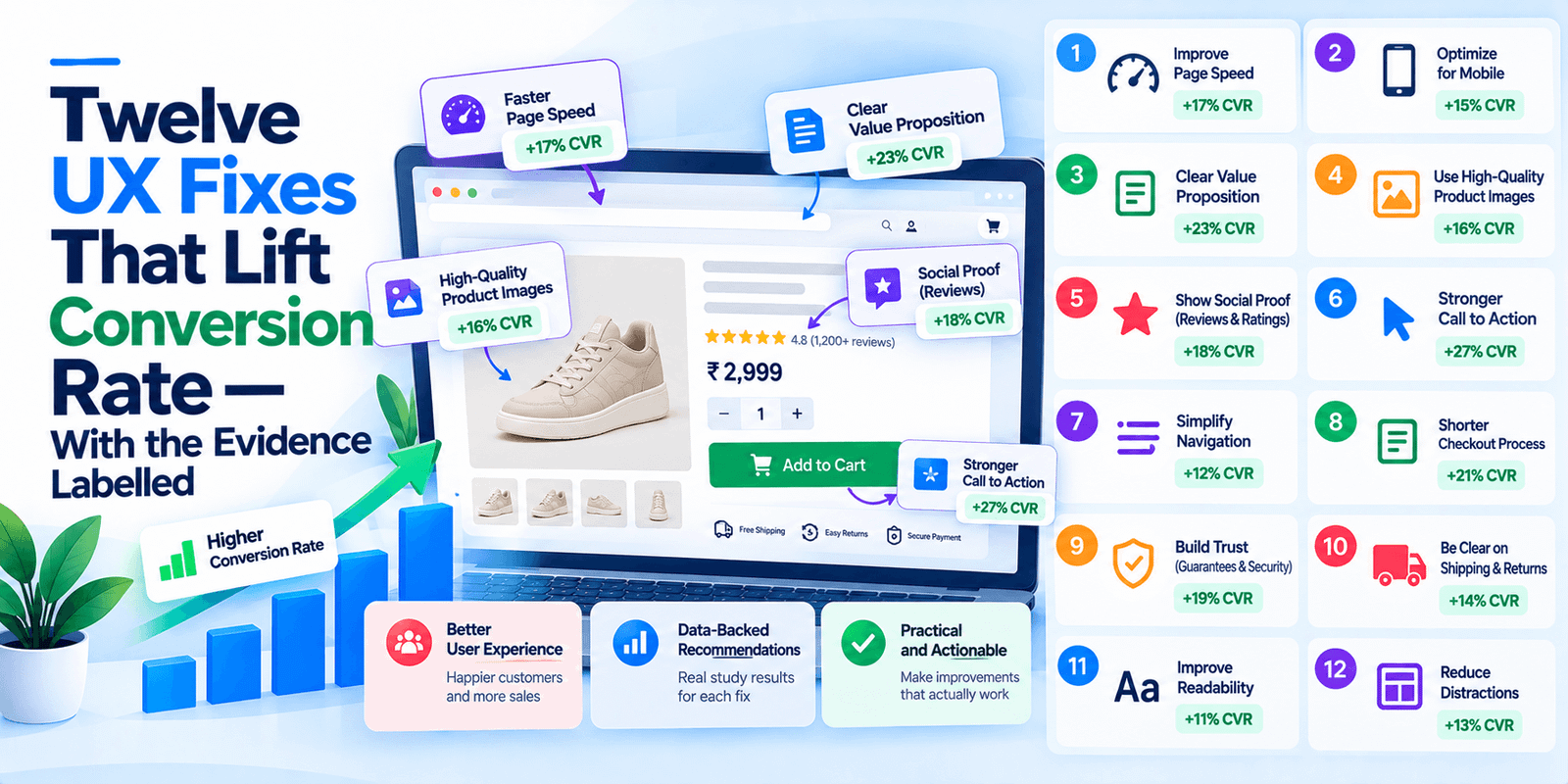
Most articles listing UX fixes attach a confident percentage to each one. Almost none of those percentages exist. Here is the same kind of list with the evidence stated honestly, including which items have measured effects behind them and which are expert judgement from people who have run the studies.
One finding ties it together. In 2026, the fixes that help humans complete a task and the fixes that help AI agents complete a task are substantially the same list. If you have been putting off accessibility work, it now pays twice. Current as of October 2026.
The one number worth quoting
Nielsen Norman Group, the independent UX research house, cites a study by Seckler and colleagues published at CHI in 2014 with the clearest measured result in this area: forms following basic usability guidelines produced successful first-try submissions with no errors 78% of the time, against 42% for forms that violated them.
Nearly twice as likely to be completed correctly on the first attempt. That is the strongest single argument for doing this work, and it is a real measurement rather than a vendor claim.
Two honest caveats. The study measured completion and error rates, not revenue. And NN/g’s own article talks about conversion rate and even says you might double it, but that is the author’s inference rather than something the study measured. Nobody has published a clean conversion-to-revenue figure for form usability, and anyone quoting one is estimating.
The twelve fixes
Grouped by what they affect, with the evidence behind each labelled plainly.
Forms
One. Cut fields. The most reliable item on the list. Baymard found the average US checkout displays 23.48 form elements against an ideal of 12 to 14, and that most checkouts can reduce their count by 20% to 60%. For a service business lead form, ask what you genuinely cannot follow up without. Phone, email and a one-line description is usually enough; job title and company size can be asked later. Evidence: measured for checkouts, strongly argued elsewhere.
Two. One column, not two. NN/g’s reasoning is that multiple columns interrupt the vertical momentum of moving down a form. The exception they allow is short related fields like city, state and zip on one row. Evidence: expert judgement, no published effect size.
Three. Labels above fields, never placeholders alone. Placeholder text disappears when someone starts typing, which means they lose the label exactly when they need it, and it fails for screen readers. NN/g calls placeholders best avoided. Evidence: expert judgement, well established.
Four. Mark what is optional, and have almost none. NN/g’s guidance is to limit a form to one or two optional fields and label those clearly. If a field is optional, the honest question is why it is there. Evidence: expert judgement.
Five. Errors that say what is wrong, with the input preserved. Signal errors through more than colour — outline the field, use text, make it specific. And never clear what someone typed. NN/g’s phrasing is that now is not the time to be subtle. Evidence: expert judgement, universally agreed.
Six. Explain format requirements before they fail. Password rules, phone number formats, date formats. Stating the requirement up front costs nothing and removes a whole category of error. Evidence: expert judgement.
Trust and cost
Seven. Show the full cost before the last step. Baymard’s research on why people abandon carts puts extra costs — shipping, tax, fees — at the top of the list among people who intended to buy, with a separate group abandoning because they could not calculate the total up front. For a service business the equivalent is pricing: a page that refuses to indicate any number loses people who were ready. Evidence: measured for eCommerce.
Eight. Trust signals next to the commitment, not in the footer. Reviews, credentials, security indicators and a real phone number belong adjacent to the form or the payment step, which is where the hesitation happens. Evidence: expert judgement, supported by abandonment research on card trust.
Nine. Make the returns or guarantee terms visible before the decision. Baymard found people abandoning over returns policies. If your terms are good, saying so earlier is free conversion. Evidence: measured for eCommerce.
Mobile and speed
Ten. Test on a phone, as a new visitor, on a real connection. Not a desktop browser resized. The most common conversion defects we find are mobile-specific: a chat widget covering the phone number, a sticky banner eating the submit button, a form field that triggers the wrong keyboard. Evidence: expert judgement, but the easiest to verify yourself in ten minutes.
Eleven. Fix interaction delay before chasing a visual score. Slow response to taps and clicks is felt more directly than a slow initial paint. This is the Core Web Vitals metric worth caring about for conversion, covered separately in our post on INP. Evidence: platform-measured, business effect inferred.
The one that now pays twice
Twelve. Use real interactive elements, and make your ARIA honest. This is where human UX and agent readiness converge.
Merj’s September 2026 testing of AI browser agents found them failing on exactly the patterns that also fail screen reader users. A div styled as a button with no role attribute: around 55% task success. An icon-only button with no accessible name: around 45%. A transparent overlay intercepting clicks: around 41%. And in the most striking result, a destructive control carrying a misleading ARIA label caused one agent to click Cancel instead of Save in all twenty-five runs, which led Merj to conclude that wrong ARIA can be worse than missing ARIA.
Every item there is standard accessibility practice. Use button for buttons and a for links. Give icon-only controls accessible names. Do not let decorative layers intercept clicks. Make success and error states persist rather than flashing a toast. Make sure your ARIA labels describe what the control actually does.
The practical consequence is that accessibility work has stopped being purely an obligation. It is now also how a customer’s AI agent completes a purchase on your site rather than abandoning halfway.
What should you do first?
If you only do three things, do these.
Open your site on a phone as a stranger and try to convert. Count the obstacles. This finds more than any tool.
Count your form fields and remove a third of them. Pick the ones you have never actually used in a follow-up.
Check that every button is a button. View the source on your main call to action. If it is a div with a click handler, that is a fix with two separate payoffs.
A note on the percentages you will see elsewhere
Worth saying plainly because this article is about UX advice. Most listicles on this subject assign each tip a specific conversion lift — 35% from this, 20% from that. Those numbers are almost never traceable to a study, and where they are, they come from a single case study on one site with no control.
The honest position is that the direction of these fixes is well established and the magnitude depends entirely on your starting point. A site with a nineteen-field form and no mobile testing has far more to gain than a site that has already done the basics. Anyone quoting you a specific percentage before looking at your site is guessing.
The honest summary
The evidence for careful form design is solid in direction and thin in magnitude: guideline-compliant forms were nearly twice as likely to be submitted correctly first time, and nobody has published a clean revenue figure.
The twelve fixes above are the ones worth doing anyway, because they are cheap, they compound, and the last one now determines whether an AI agent can transact on your site at all.
Frequently asked questions
Which UX fix has the biggest effect on conversion?
Cutting form fields has the best evidence behind it. Baymard found US checkouts averaging 23.48 form elements against an ideal of 12 to 14, with most able to cut 20% to 60%. For service businesses, reducing a lead form to the fields you genuinely use in follow-up is the equivalent.
Do shorter forms really convert better?
The direction is well established; the magnitude is not published. The clearest measured result, from a CHI 2014 study cited by Nielsen Norman Group, is that guideline-compliant forms were submitted correctly first time 78% of the time versus 42% for non-compliant ones. That measures completion and errors, not revenue.
Should I use placeholder text instead of labels?
No. Placeholders vanish when typing starts, removing the label at the moment it is needed, and they fail for screen readers. Nielsen Norman Group’s guidance is that placeholder text causes many usability problems and is best avoided. Put labels above the field.
Does accessibility work help conversion?
Increasingly, and for a new reason. Merj’s 2026 testing found AI browser agents failing on the same patterns that fail screen reader users — div-based buttons without a role attribute, icon controls without accessible names, transparent click-intercepting overlays. Semantic markup is now both an accessibility obligation and how an agent completes a purchase.
Why do UX articles quote specific conversion percentages?
Because it reads well, not because the numbers are traceable. Most are either unsourced or drawn from a single uncontrolled case study. The honest answer is that the gain depends on your starting point, and a site with a long form and no mobile testing has far more available than one that has done the basics.
Want someone to find yours?
A free UX review covers your forms, your mobile conversion path, your trust signals and whether your interactive elements are real elements — the twelfth item, which almost nobody checks.
Book a free UX review. You will get a list of specific fixes in priority order, and an honest view of how much is actually there to gain.