

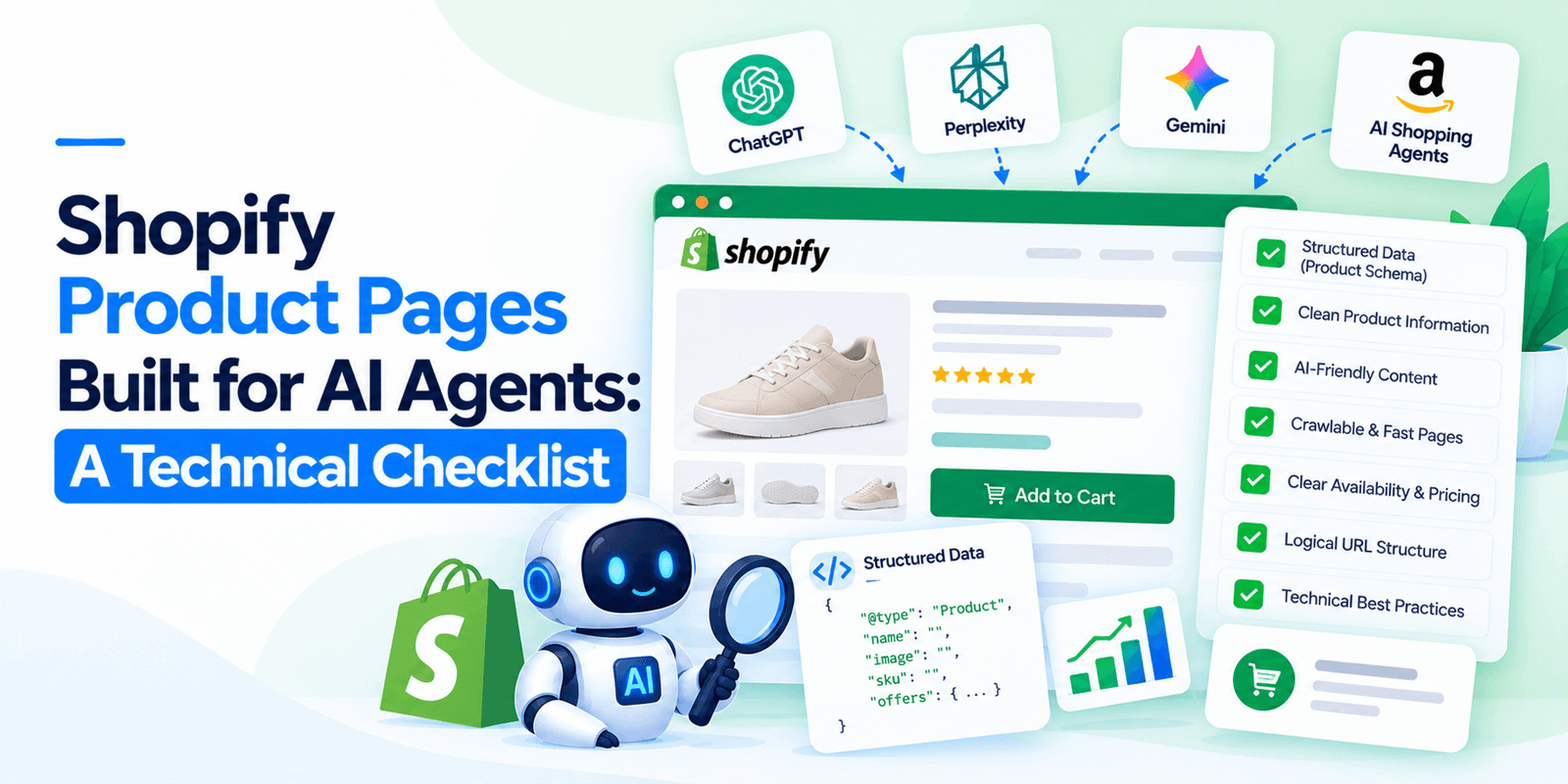
AI shopping agents do not read your Shopify product page. They query your catalog data through an API, which means your theme, your layout and your carefully written description are mostly invisible to them. What they see is your structured product fields. You can look at exactly what they see in about thirty seconds, and most stores do not like what they find. Here is the checklist, in the order worth fixing.
First, look at what an agent actually sees
Open your store and add .json to a product URL. So yourstore.com/products/your-product becomes yourstore.com/products/your-product.json. You can also see your whole catalog at yourstore.com/products.json.
That raw output is much closer to what an agent works with than your product page is. Read it and ask three questions.
Is product_type filled in, or blank? Blank means an agent has nothing to match your product against when somebody asks for a category.
Are your tags descriptive, or internal noise? Tags like carbon-score::undefined tell an agent nothing and clutter the data it does read.
Do the purchase-relevant facts appear as fields, or only inside body_html? If the inner width, the material or the warranty length exists only in a sentence in your description, it is effectively not there.
That last point is the single most common failure, and it is the one worth internalising before the rest of the checklist. A fact in prose is decoration. A fact in a field is data.
Layer one: product data structure
Five checks, roughly in order of impact.
- Variants grouped under one product. A shirt in five colours should be one product with five options, not five products. Separate listings make an agent treat them as unrelated items, which splits whatever signal each one has and makes your catalog look larger and thinner than it is. If you have duplicate listings, Shopify’s Combined Listings capability is the route to merging them.
- Purchase-relevant attributes in metafields. Material, dimensions, weight, capacity, compatibility, care instructions, gender, age range. Anything a customer would filter on belongs in a field, not a paragraph. This is the highest-effort item on the list and the one that pays back most.
- The most specific taxonomy available. Assign products against Shopify’s Standard Product Taxonomy rather than relying on a free-text product type. “Men’s insulated winter boots” beats “footwear”. Specific categorisation is how an agent decides your product answers the question it was asked.
- Literal language in product fields. “Ocean Breeze” is a fine product name for a human and meaningless to a machine. “Texturizing sea salt spray” is the one that gets matched. Keep the brand voice in the description and keep the fields plain.
- Consistent attribute values across the catalog. If some products say “100% cotton” and others say “cotton 100%” or “pure cotton”, an agent cannot group them. Pick one form and enforce it.
Layer two: identifiers
Three checks, and they are quick.
- Brand populated on every product. Shopify’s vendor field. Frequently left blank or set to the store name, which is not the same thing as the brand of the item.
- SKU and GTIN or barcode on every variant. GTIN is what lets an agent match your listing to a real-world product rather than treating it as an unknown item. Missing identifiers is among the most common failures in audited stores.
- Every product unambiguously matchable to one real item. Catch-all listings with options that change what you are actually buying confuse agents badly. Split them.
Layer three: policy data
Two checks that most stores fail completely.
- Shipping options and delivery times available as data. Not only as prose on a shipping information page. An agent asked whether something arrives before Friday needs to be able to query that.
- Returns and warranty terms stored as structured data. Same reasoning. A paragraph written for a human to interpret does not answer an agent’s question.
These two are harder on Shopify than the product fields, and they are where the gap between a well-run store and an agent-ready store is widest.
Layer four: access
Two checks, both fast.
- Your catalog is not blocked. Shopify keeps the catalog open to AI crawlers by default, so this usually passes. The exception matters though: a custom domain behind Cloudflare, where new domains have blocked AI crawlers by default since mid-2025. If you use Cloudflare, check your bot management settings rather than just your robots.txt.
- Price and inventory are accurate in real time. Agents want accuracy at the moment of the query. Worth knowing that Google Merchant Center guidance updated in September 2026 now warns that products whose price or availability changes more than roughly once a day risk disapproval, so there is a tension between real-time accuracy and feed stability. Err toward accuracy and monitor your disapprovals.
Agentic Storefronts: check before you plan around it
Shopify has a feature called Agentic Storefronts that enables native checkout inside an AI assistant rather than just discovery.
Reported eligibility requirements include being US-based, transacting in USD, using Shopify Payments, and enabling an agent shopping setting in your sales channel configuration. Reported limitations include no support for subscriptions, complex bundles requiring selection logic, local pickup, or B2B pricing.
Treat all of that as provisional. It comes from agency reporting rather than Shopify’s own documentation, and I could not verify it against a Shopify source. If native agent checkout matters to your plans, confirm the current requirements with Shopify directly before committing work to it.
What matters less than you have been told
Schema markup on your product pages is worth having and is not the lever. Independent testing has found no clear relationship between how much schema a site publishes and whether AI assistants cite it, and the commerce path runs through catalog APIs and feeds rather than through the markup in your theme.
Keep valid Product schema. Microsoft has confirmed Bing and Copilot use structured data, rich results still affect click-through in ordinary search, and it costs little. Just do not let a schema project substitute for fixing your product fields.
The same applies to your theme. A beautiful product page does not help an agent that never renders it.
The ten-minute test
Before any of this, find out where you stand.
Ask ChatGPT and Perplexity for a recommendation in your category, phrased the way a customer would. “Best waterproof hiking boots for wide feet.” “Affordable standing desk for a small apartment.”
Note whether you appear at all, which competitors appear instead, and whether any price or availability shown for your products is correct. A wrong price in an AI answer is worse than no mention, and it happens when your feed is stale.
Then work the layers above in order, starting with your ten best sellers rather than your whole catalog.
Want us to run the audit properly?
We will pull your catalog data, check all twelve items above, test your products against real buyer prompts, and give you a prioritised fix list.
No charge, and the findings are yours either way.
Frequently Asked Questions
How do I see what an AI agent reads from my Shopify store?
Add .json to any product URL — so yourstore.com/products/example.json — or view your whole catalog at yourstore.com/products.json. That raw structured output is much closer to what an agent queries than your rendered product page is.
Do AI shopping agents read my product descriptions?
Largely no. Agents query structured catalog data through APIs and feeds, so facts buried in description prose are effectively invisible to them. Purchase-relevant attributes — material, dimensions, compatibility, care instructions — need to sit in metafields or product fields, not in a paragraph.
Why should Shopify variants be grouped under one product?
Because separate listings make an agent treat the same item in five colours as five unrelated products. That splits whatever signal each one has and makes your catalog look larger and thinner than it is. Shopify’s Combined Listings capability is the route to merging duplicates.
Does my Shopify store need a GTIN on every product?
It helps substantially. GTIN or barcode is what lets an agent match your listing to a real-world product rather than treating it as an unknown item. Along with brand and SKU, missing identifiers are among the most common failures found in store audits.
Does schema markup help my Shopify store appear in AI shopping results?
Not as much as commonly claimed. Independent testing has found no clear relationship between schema volume and AI citations, and the commerce path runs through catalog APIs rather than your theme’s markup. Keep valid Product schema — Microsoft confirms Bing and Copilot use it, and rich results still matter — but fix your product fields first.
Can AI agents check out directly on Shopify?
Shopify’s Agentic Storefronts feature enables native checkout inside an AI assistant. Reported requirements include being US-based, transacting in USD and using Shopify Payments, with subscriptions, complex bundles, local pickup and B2B pricing unsupported. Those details come from third-party reporting rather than Shopify documentation, so confirm current requirements with Shopify before planning around them.